
Overview
In this support article, we will show you what our DotView colored dot indicators mean in a BrokerageBox transaction! The color of these dots represent certain stages of the document review process for either a listing or sale transaction. A transaction can flow forward after passing review or waterfall backward to the agent after failing review. The cycle will repeat until the document has been finally reviewed by the brokerage owner.
Both listing transactions and sale transactions typically require document review by your brokerage. A listing transaction refers to the agreement between the seller and seller's agent to advertise the home. A sale transaction refers to when the home is actually under contract or sold. Our system enables you to upgrade your listing transaction to a sale transaction at the time an offer is accepted.

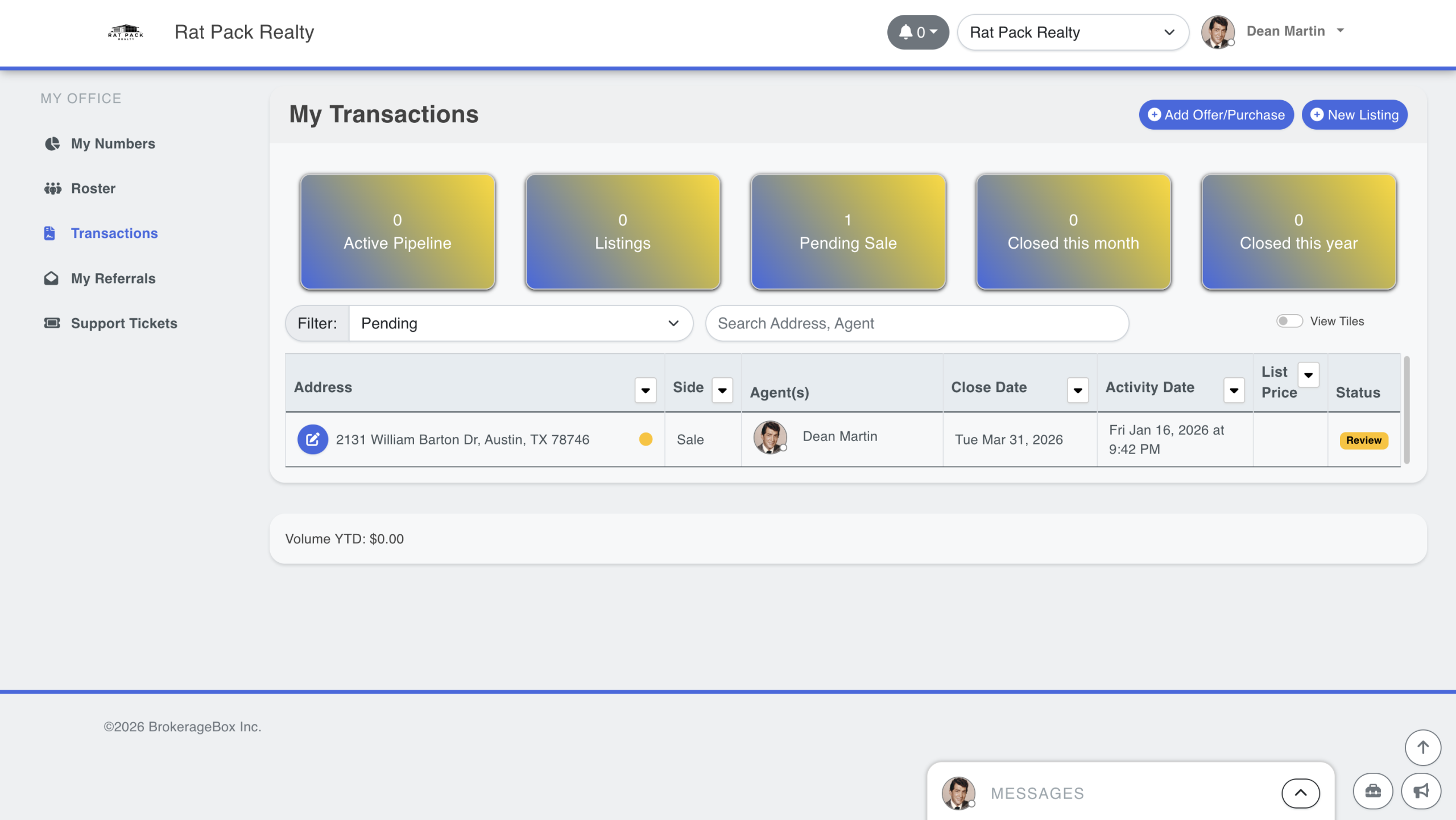
Yellow Dot Means Transaction is in Progress or Under Review
A yellow dot indicates that you have started a transaction, or you have submitted the transaction for review. Transactions in the Active Pipeline category will always be shown with a yellow dot because there is no documentation to review at this stage. Your transaction coordinator will see the same yellow dot on their portal, indicating that the transaction is ready to review.
Red Dot Means Transaction Failed Review
A red dot indicates that a transaction failed initial review by your transaction coordinator or failed final review by your brokerage owner. In either case, the dot will be red and present the document feedback when you hover over the dot. If the brokerage owner fails final review, then the document review process will waterfall back to initial review by the transaction coordinator.

Green Circle Means Transaction Passed Initial Review
A green circle means that the transaction has passed initial review by your transaction coordinator, but we're not done yet! The transaction still must be finally reviewed by your brokerage owner to close the transaction and for the agent to be paid. If you don't have a transaction coordinator, then the transaction will proceed directly to final review in the next section.

Green Dot Means Transaction Passed Final Review
The green dot means that the transaction has been finally reviewed by the brokerage owner. The transaction will remain in either the Listing or Pending Sale category with a green dot until the transaction is closed by the brokerage owner. At the time of closing the transaction, the brokerage owner will pay the agent via direct deposit or "mark as paid" to only record the commission payments. After this, the transaction will move to the Closed category.


